See your Thread mesh.
Find the broken link.
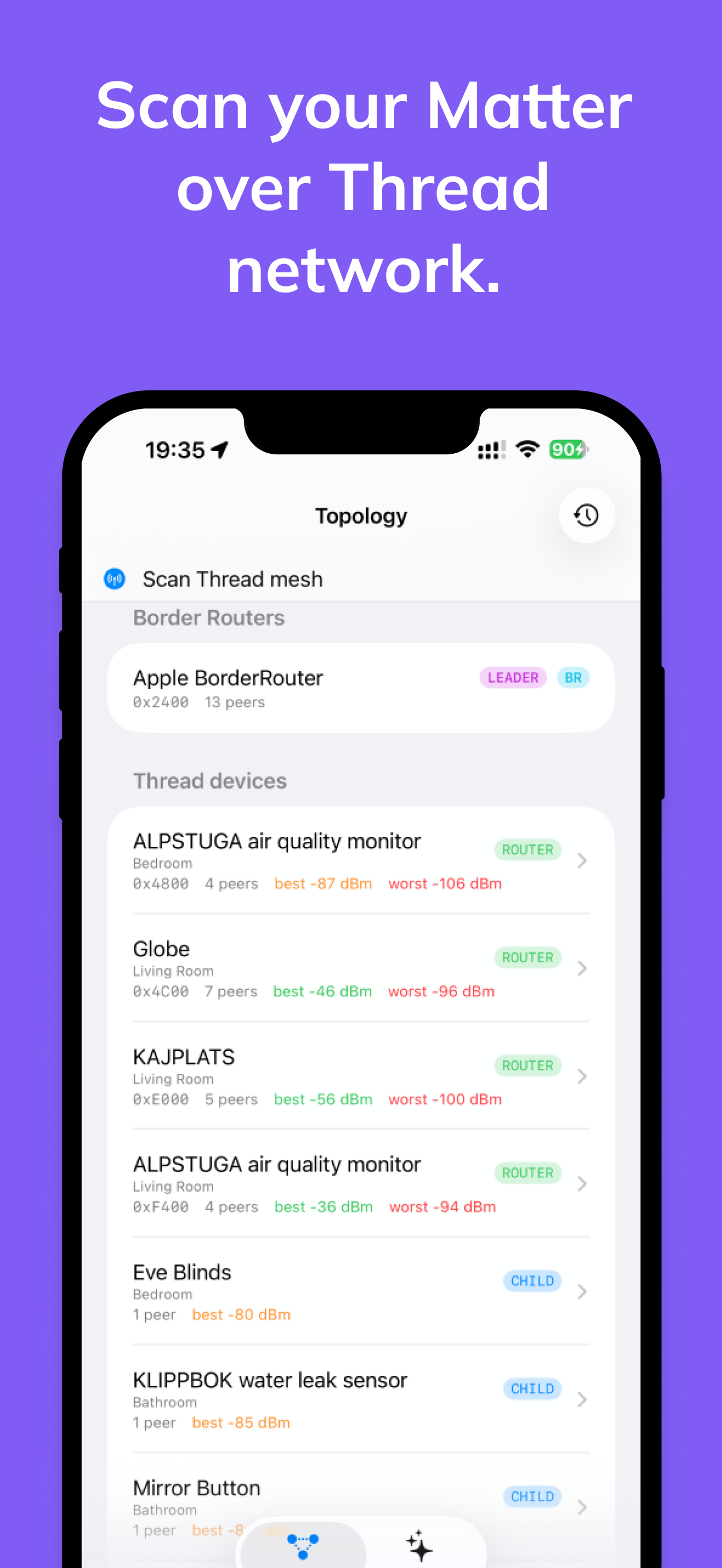
Thread Doctor scans the Matter accessories paired into your Apple Home, reconstructs the Thread topology they report, flags single points of failure, lets you configure supported device settings, and uses AI to explain how to fix problems.
On-demand mesh graph
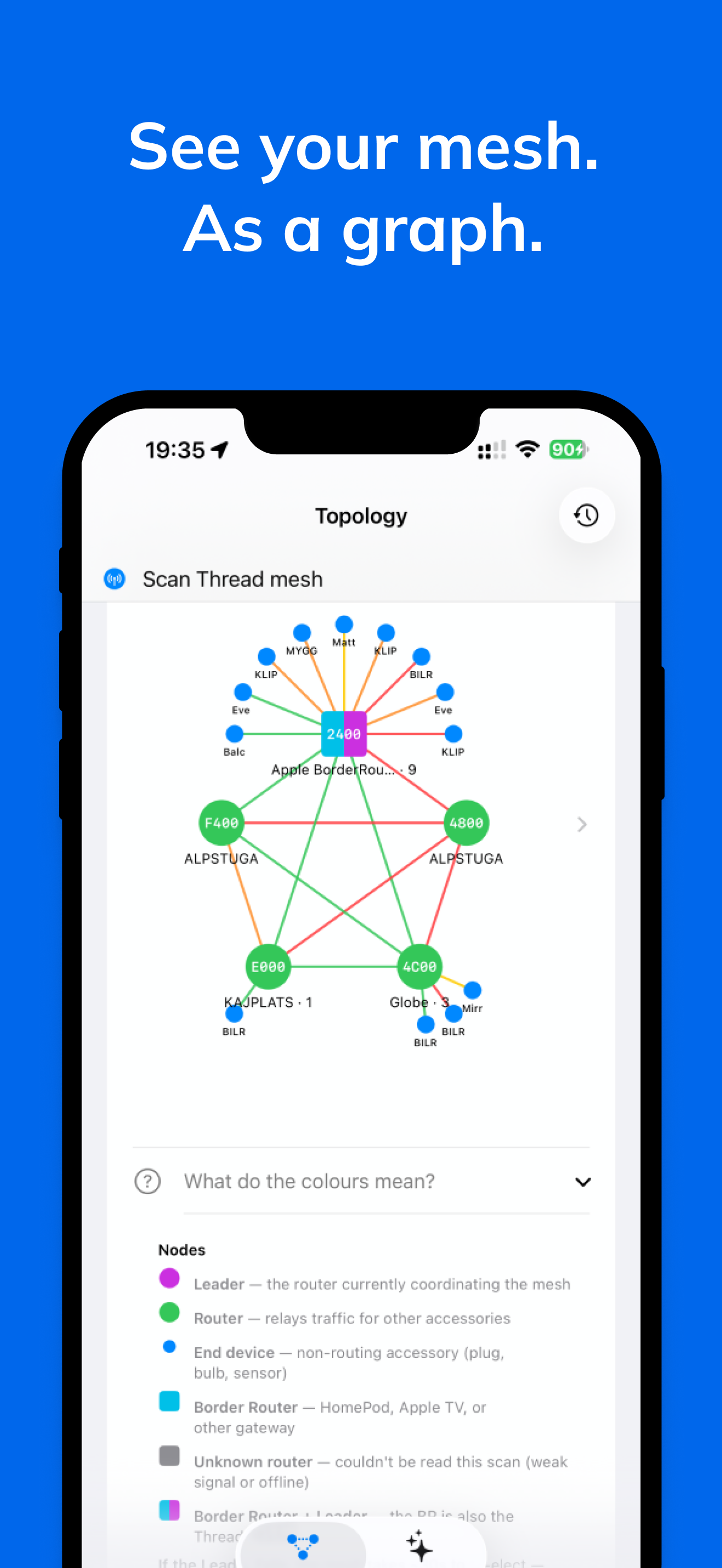
Topology reconstructed from live Matter diagnostics. RSSI-coloured edges, single points of failure ringed by severity, and the Thread Leader marked when the scan can identify it.
Re-parent risk detection
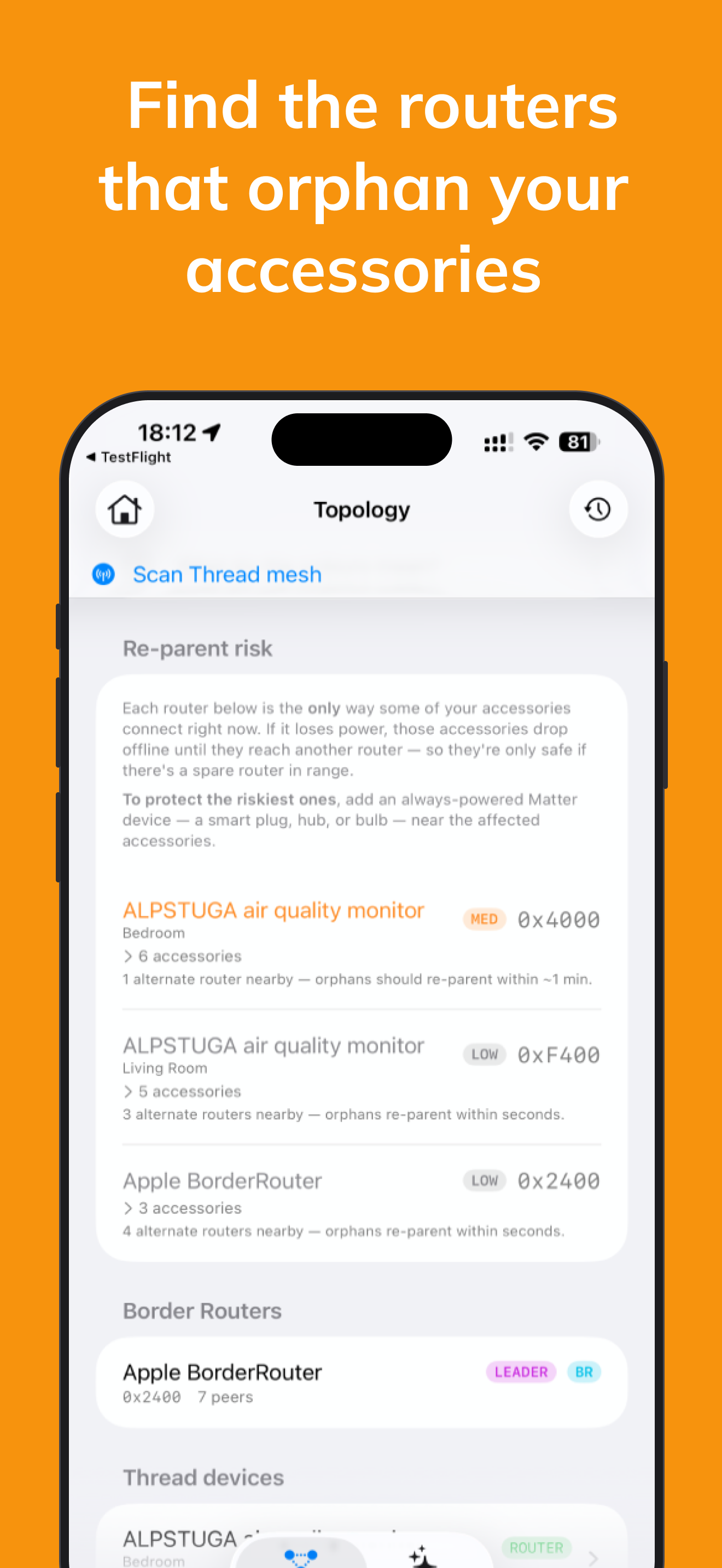
Finds routers whose loss would orphan accessories — and grades how dangerous each one really is.
Battery monitoring
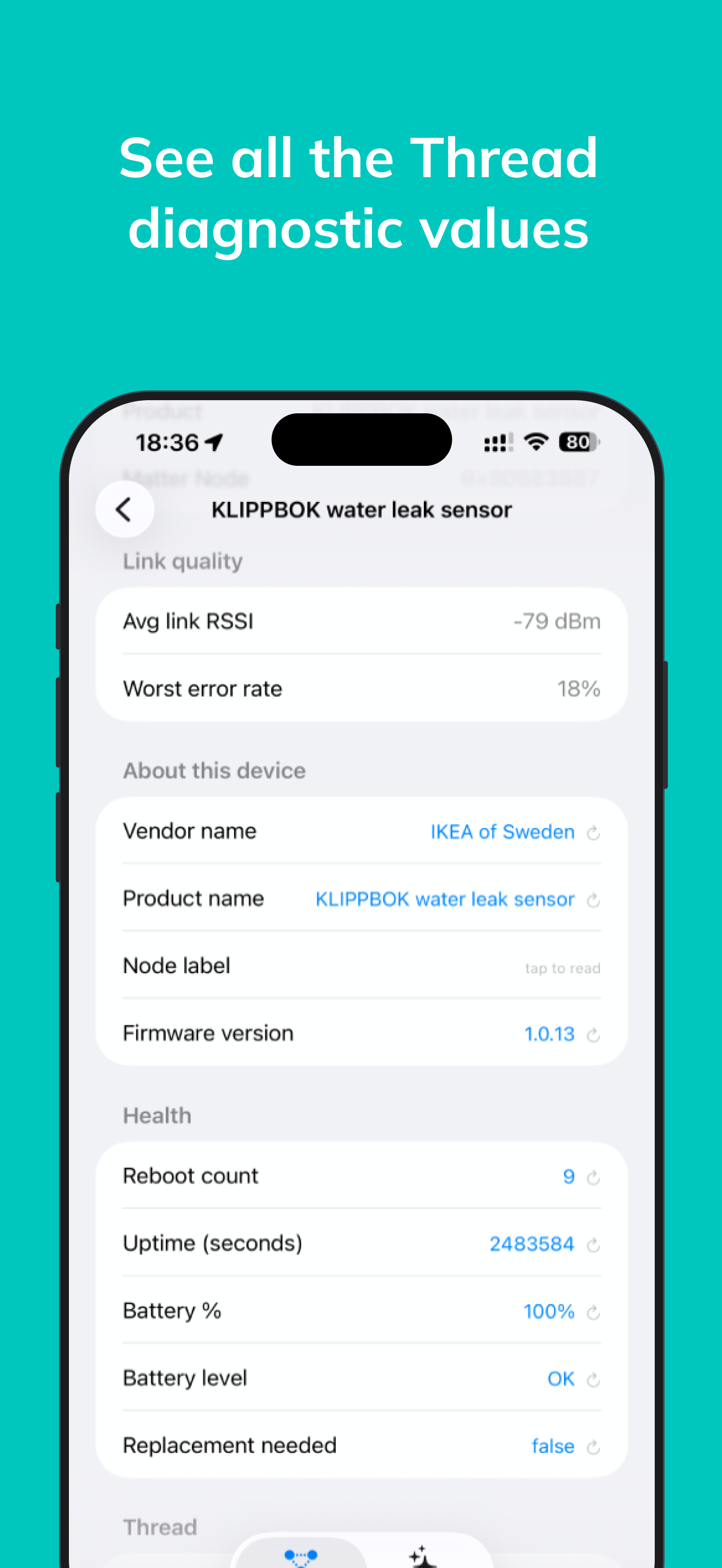
Charge levels for every battery accessory in your mesh — Eve, Aqara, Yale, IKEA. Low-battery filter surfaces devices about to drop off.
Device configuration
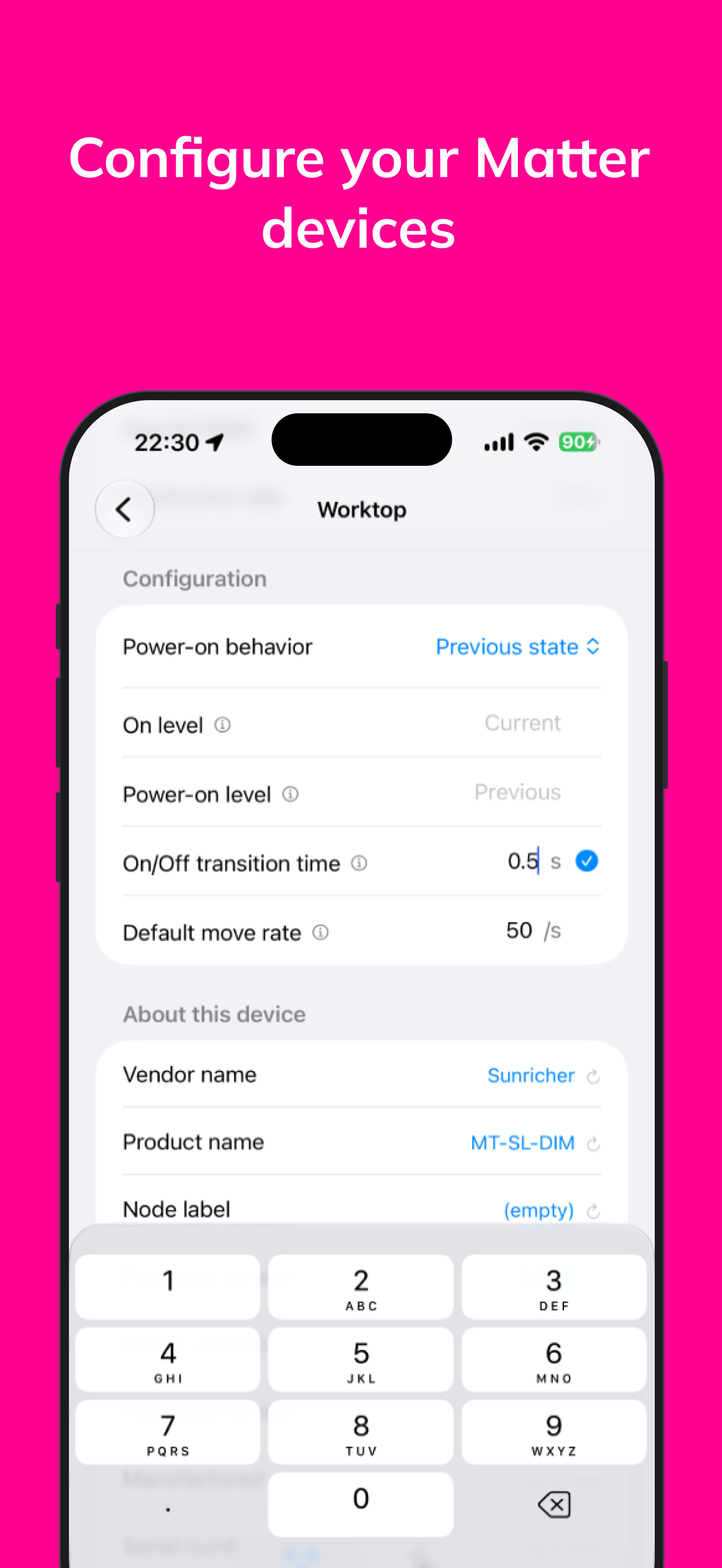
Change supported Matter settings such as power-on behavior, transition times, sensor delays, thermostat controls, and lock behavior. Every change is read back from the accessory.
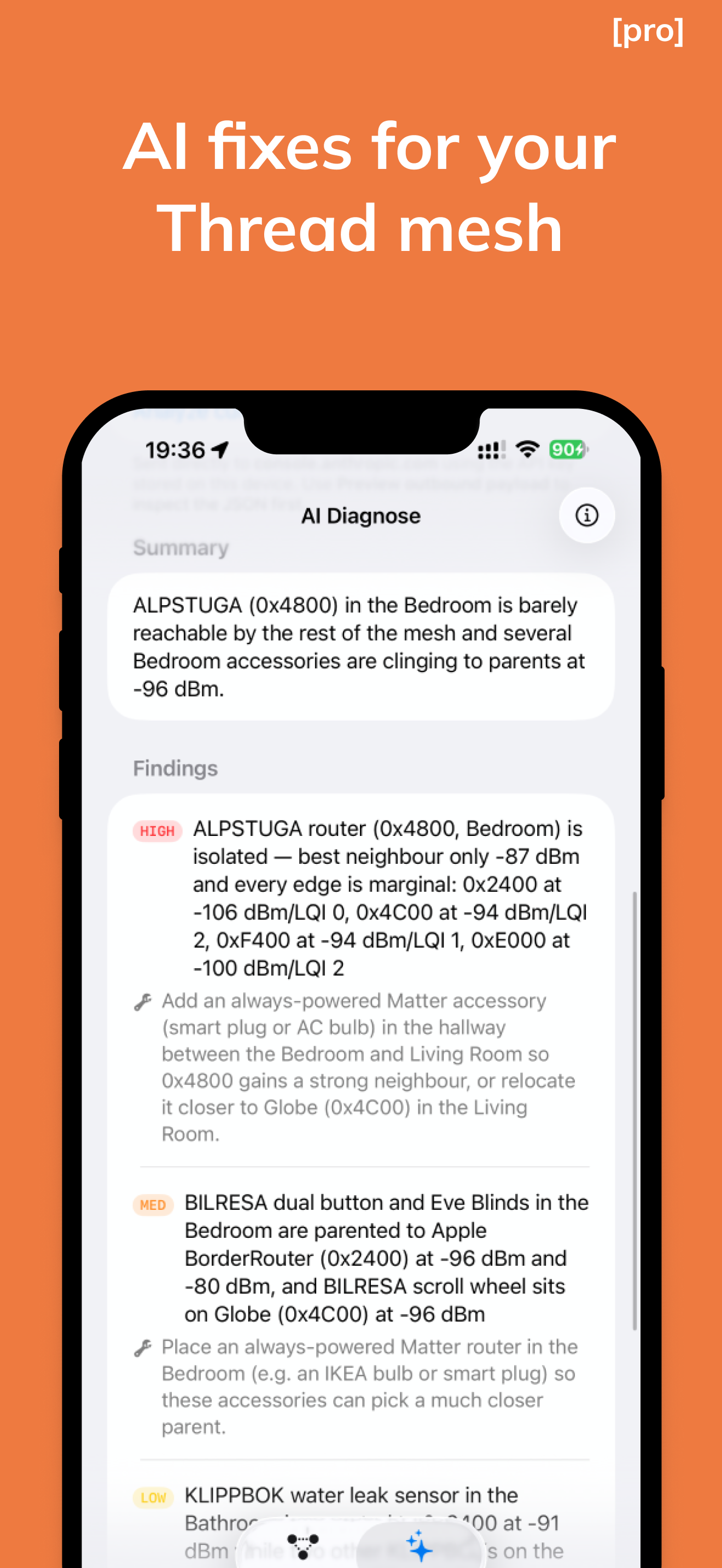
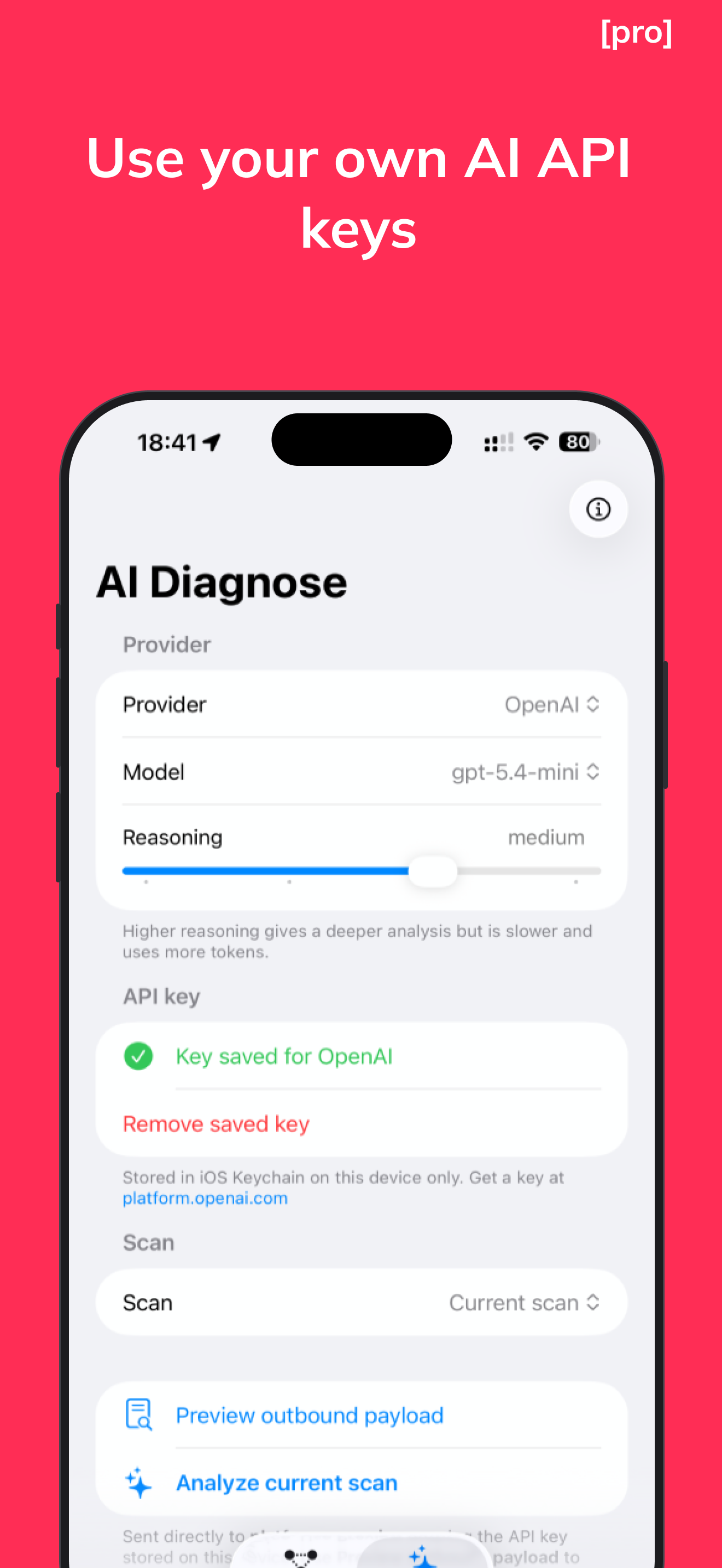
AI-powered fixes bring your own key or Apple Private Cloud
Findings cite real RSSI values, accessory names, and HomeKit rooms — not generic advice. Use Apple Private Cloud Compute, or pay your provider directly.
Scan history
Last 20 scans saved on device. Browse past snapshots to catch regressions.
100% private
No backend, no analytics, no proxy. Your LLM API key lives in your iOS Keychain — this device only.